A STUDY COMPANION, NOT ANOTHER DISTRACTION

Make room
for what
matters.

Less “just one more scroll.”
More time for the person you’re becoming.

Android-first · Free & open source

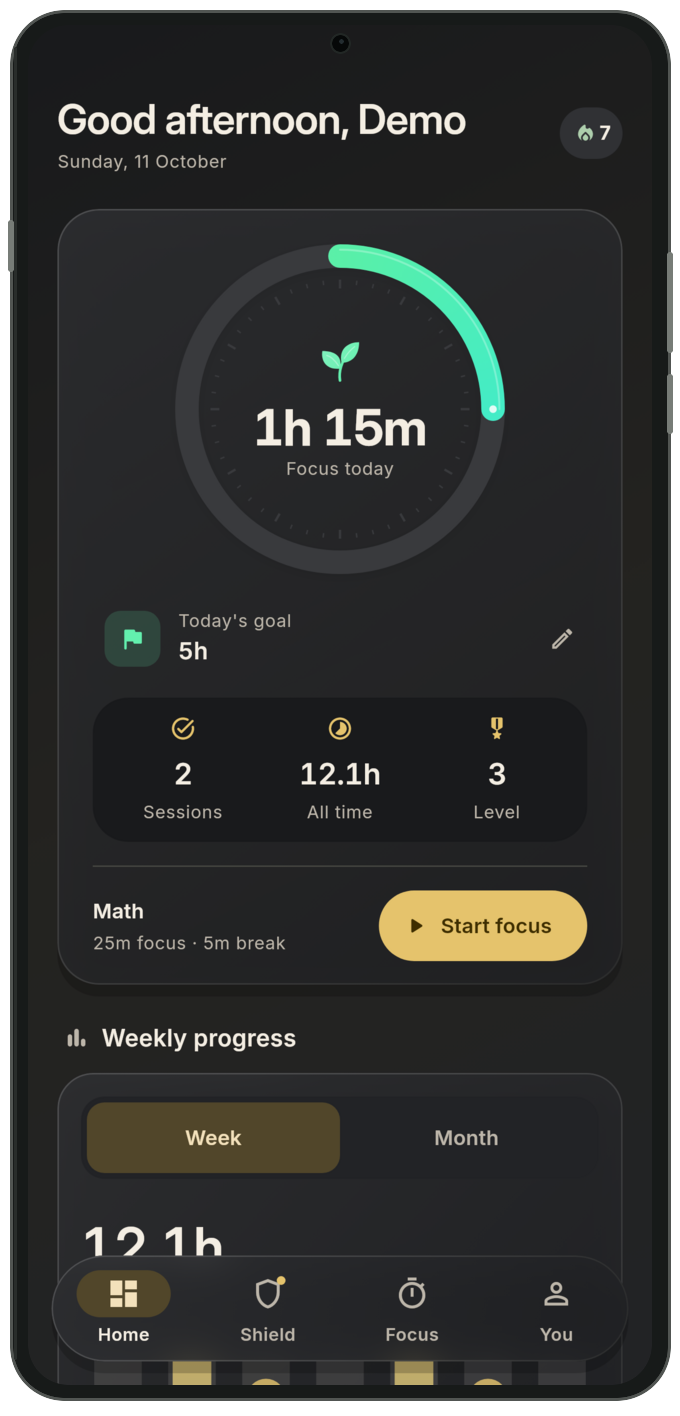
FocusForge home preview with fictional study progress
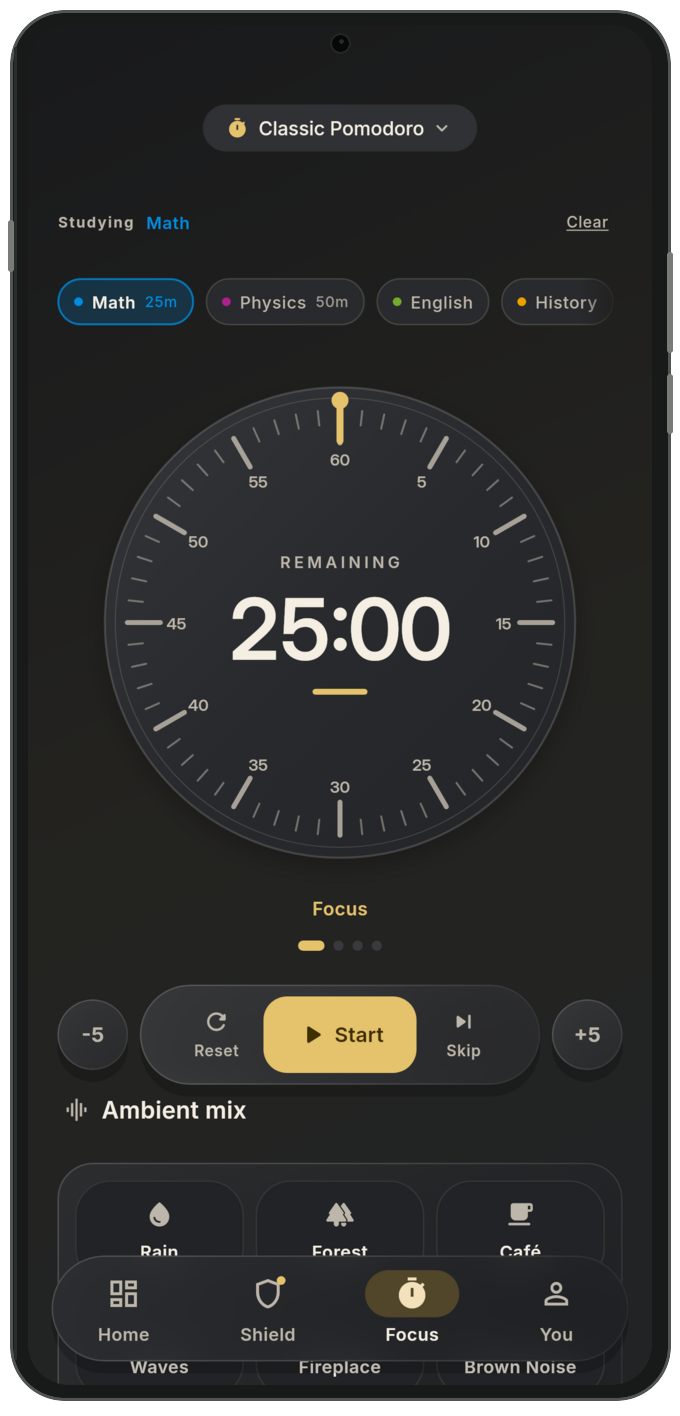
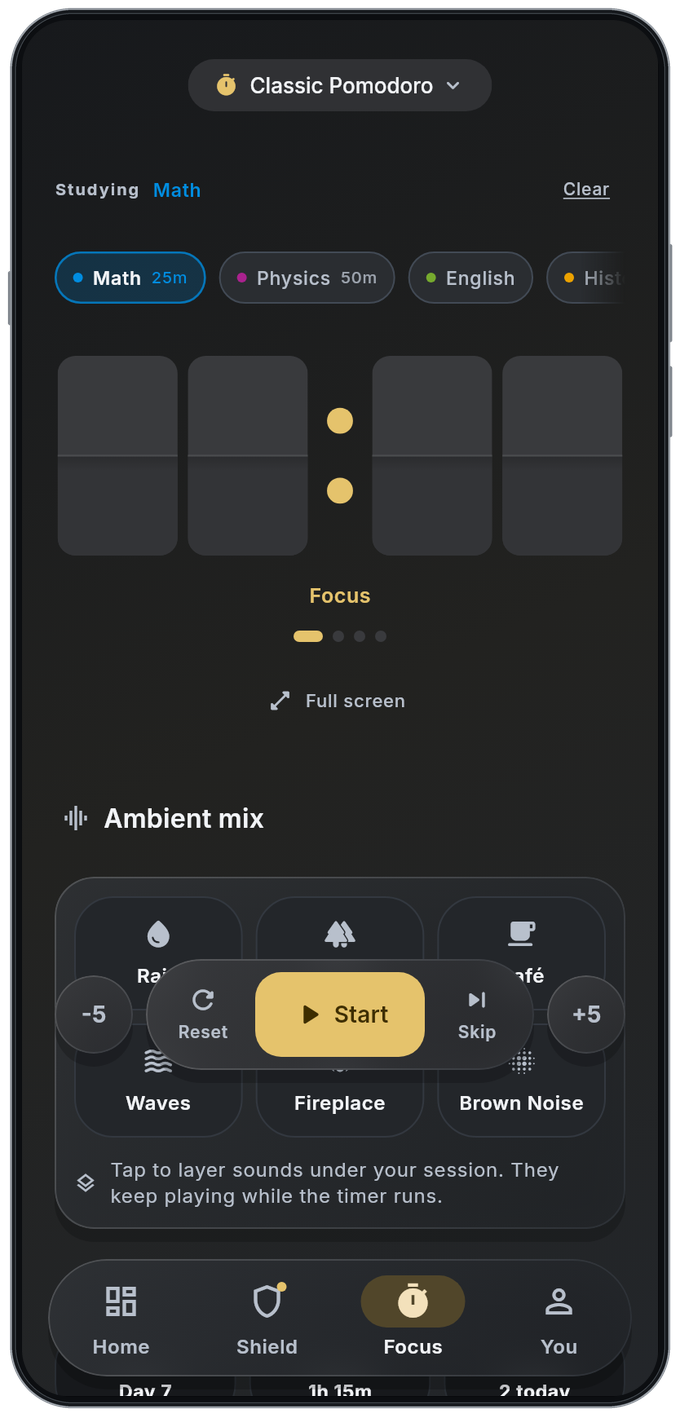
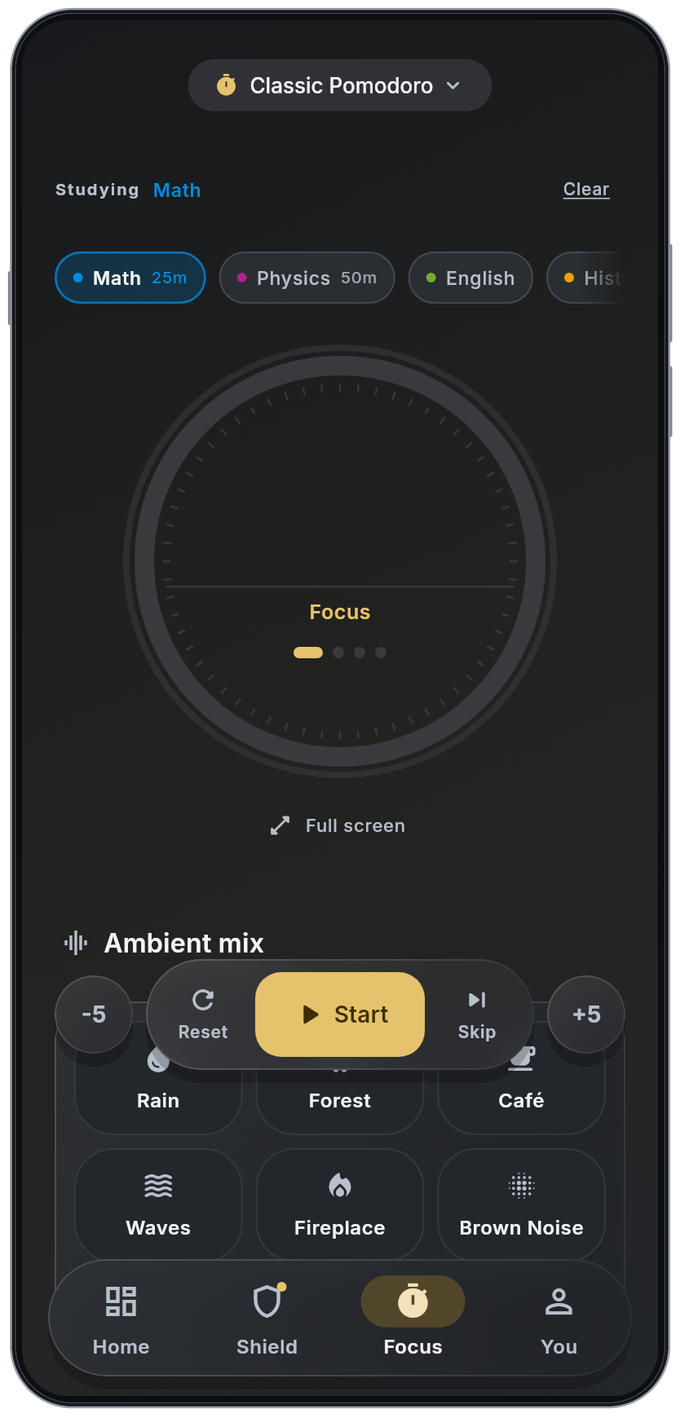
FocusForge focus app capture with fictional data and animated clock-face demos, not a live session or physical-device screenshot25:00
One session at a time.That’s how good things start.
Less noise. More you.
App previews · fictional data · animated demo clock
DESIGNED FOR INTENTION. BUILT FOR REAL LIFE.A fresh start, down here
YOU DON’T NEED MORE WILLPOWER.

You need a little
space between
the impulse and the scroll.

A moment to notice the pull. A little room to choose differently.

From a crowded mind to a quiet study sessionA hand-drawn boy holds a phone beneath looping thoughts: One more video, Wait…, and What time is it? As the page moves, the pencil lines break into dust and he puts his phone down to write in an open book. Reduced motion shows the final study scene without animation.One more videoWait…What time is it?One more videoWait…What time is it?

Put the phone down. Open a book. One small choice makes room for the work ahead.

01 / THE TOOLKIT

A little structure.
A lot more possibility.

Everything you need to turn “I should study”
into “I’m glad I did.”

01 / Distractions, meet boundaries.

Close the feed.
Keep the lecture.

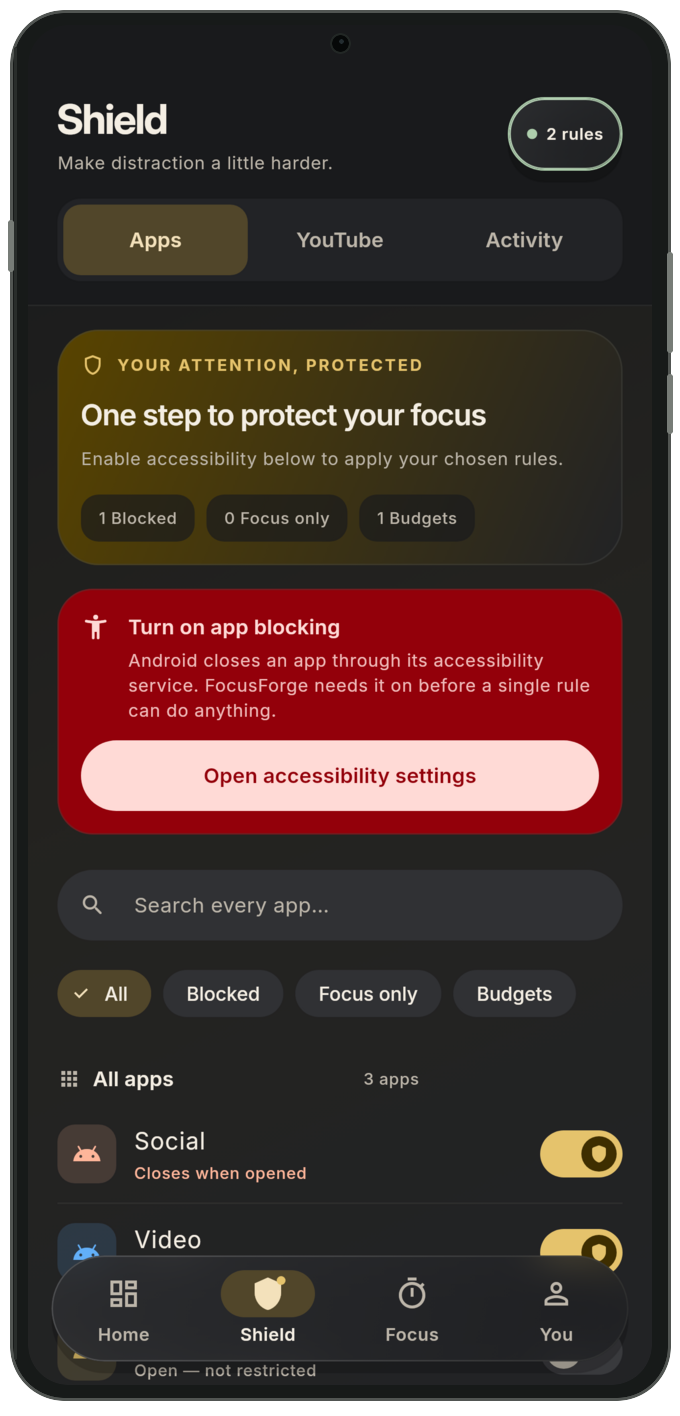
Your phone is a tool. Keep it that way. Shield distracting apps, give your favorites a daily budget, and filter supported YouTube feeds without giving up your lectures.

FocusForge shield dark-mode widget-test app preview with fictional demo data
  • Selected-app shielding
  • Daily time budgets
  • Focus-only blocking
02 / A rhythm that feels like yours.

One thing.
Your full attention.

A quiet workspace for your next study session. Choose a Pomodoro preset or make your own plan, pick a subject, and let ambient sounds set the mood.

FocusForge focus dark-mode widget-test app preview with fictional demo data
  • Pomodoro & custom plans
  • Ambient sound mixes
  • Full-screen study timer
03 / Notice the work you put in.

Small sessions.
Something bigger.

Make your effort visible with daily goals, subject totals, weekly views and 18 measurable achievements. Linked accounts can restore earned badges when you return. Keep your session or weekly progress in view with home-screen widgets.

FocusForge dashboard dark-mode widget-test app preview with fictional demo data
  • Daily study goals
  • Retro & weekly widgets
  • 18 achievements & private badge backup
01 03

Actual app widget-test renders with fictional demo data in stylized frames. Not physical-device screenshots.

A little friendly momentum.

Make the time you put in visible.

Weekly leaderboardFocus minutes · demo
Keshab
240 min · #2
Sudeep
320 min · #1
Pranshu
160 min · #3
View demo rankings
Fictional weekly focus minutes
RankNameMinutes
1Sudeep320
2Keshab240
3Pranshu160
Fictional illustration · not actual standings

Opt-in names, chosen profile photos, levels and weekly minutes can remain visible in that week’s top 100 after sign-out. Turn sharing off or delete your account to withdraw your entries. Sharing & privacy

Your people. Your pace.

Separate desks. A shared study session.

Library tablePrivate study group · demo

Three focus plans. One friend taking a break.

KeshabMath
00:04Focusing
SudeepBiology
37:20Focusing
PranshuLiterature
14:20Focusing
MiraTaking a break
—Not focusing
Fictional illustration · no live users or presence

Groups share names, minutes and timer status, not verified presence. Sharing & privacy

05 / GOOD QUESTIONS

A little clarity.
Before you begin.

Something else on your mind?

We’re here to help
Is FocusForge really free?

Yes. FocusForge is free and open source, with no ads and no subscriptions. The Android app is available from our GitHub releases.

Can I still watch my lectures?

Yes. Supported YouTube feed and Shorts filtering is designed to leave lecture links available. Filtering depends on supported screens and can change when YouTube updates.

Do I need an account?

The focus timer works without an account. Choose Skip for now to start locally without waiting for Firebase sign-in. Linked accounts use Firebase for private study and badge backups, groups and the optional leaderboard. Using the app without an email account is not a promise of no network activity.

What permissions does shielding need?

Normal app shielding uses Usage Access to detect the app in use and Draw over other apps to display a pause screen. Accessibility is requested separately when you enable supported YouTube Shorts or feed filtering. App boundaries run with a foreground notification and a Stop action. All access is optional and can be revoked in Android settings.

Does it work on iPhone?

FocusForge is currently Android-first, for Android 7.0 and above. We do not currently offer an iOS download.

Can I use my own profile photo?

Yes. Choose a photo in the app’s profile avatar settings. FocusForge creates a small square thumbnail and removes embedded image metadata before saving it. Guests keep it on their device; linked accounts privately back it up. If leaderboard sharing is on, your photo appears with your name, level and weekly minutes. You can remove the photo or use initials instead.

Will updating the app sign me out?

An update keeps a confirmed existing login and local study setup. Saved account data syncs in the background. Signing in after signing out or reinstalling can show a recovery screen while your goals, subjects and history are restored. Only data that finished syncing can be recovered on another installation.

What happens when I sign out?

Your linked account keeps its private study backup, including your name, chosen profile photo, subjects, plans, goals and dated focus sessions, so you can recover them by signing in again. If you opted into the leaderboard, your name, chosen photo, level and weekly minutes can remain visible in that week’s top 100 after sign-out. Turn sharing off in the leaderboard’s Sharing options menu or delete your account to remove published entries.

Can I delete my account and data?

Yes. Sign in on our Delete account page using the same email/password or Google account as the app, then confirm deletion. Private study and badge backups, saved profile photos, shared progress and leaderboard entries are removed before your login. You can also delete your account in the app. The website cannot erase phone-local history; clear app storage separately. Signing out keeps your data. Delete your account →
YOUR NEXT CHAPTER STARTS WITH ONE SESSION.

Less scrolling.
More becoming.

Get FocusForge for Android

Android 7.0+ · Free forever in the current open-source release.